![S2 Icon Navy TM (2).png]](https://kb.systemandsoul.com/hs-fs/hubfs/S2%20Icon%20Navy%20TM%20(2).png?height=50&name=S2%20Icon%20Navy%20TM%20(2).png)
How to manage your Scoreboard
1. Log in to your s2sync account.
2. Click Scoreboard.
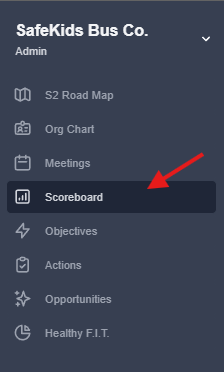
3. If it is your first time setting up a scoreboard, your screen will be blank. To add your first measurable, click "+Add" in the top right corner. 
4. Fill in the Title, Description, Interval, Owner, etc.
5. Click "Create."
VIDEO: We’ve got a quick video to show you how to use the scoreboard effectively, so you can track progress and stay on target.
Still have questions? Email help@systemandsoul.com and we'll get you the answers you're looking for!