![S2 Icon Navy TM (2).png]](https://kb.systemandsoul.com/hs-fs/hubfs/S2%20Icon%20Navy%20TM%20(2).png?height=50&name=S2%20Icon%20Navy%20TM%20(2).png)
- Login to an existing S2 Sync account.
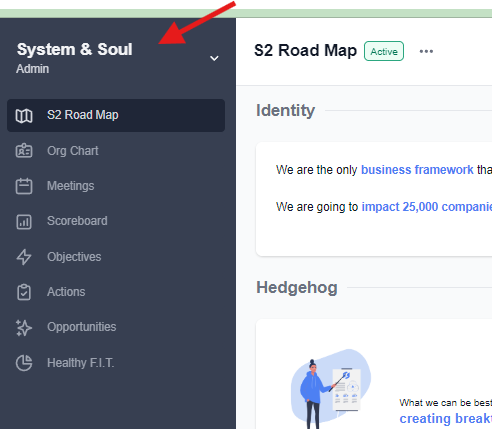
- In the top left corner of your account, click on your company name
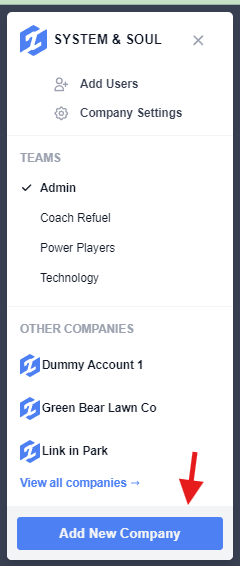
- Click "Add New Company"
- Complete the sign-up process to follow. You will need to provide your Company name, a valid credit card, and you will have the option to add users and create teams.
Please note: Once creating your new account, you will receive a free 30-day trial period. Your credit card will not be charged until after this period is up.
Still have questions? Email help@systemandsoul.com and we'll get you the answers you're looking for!